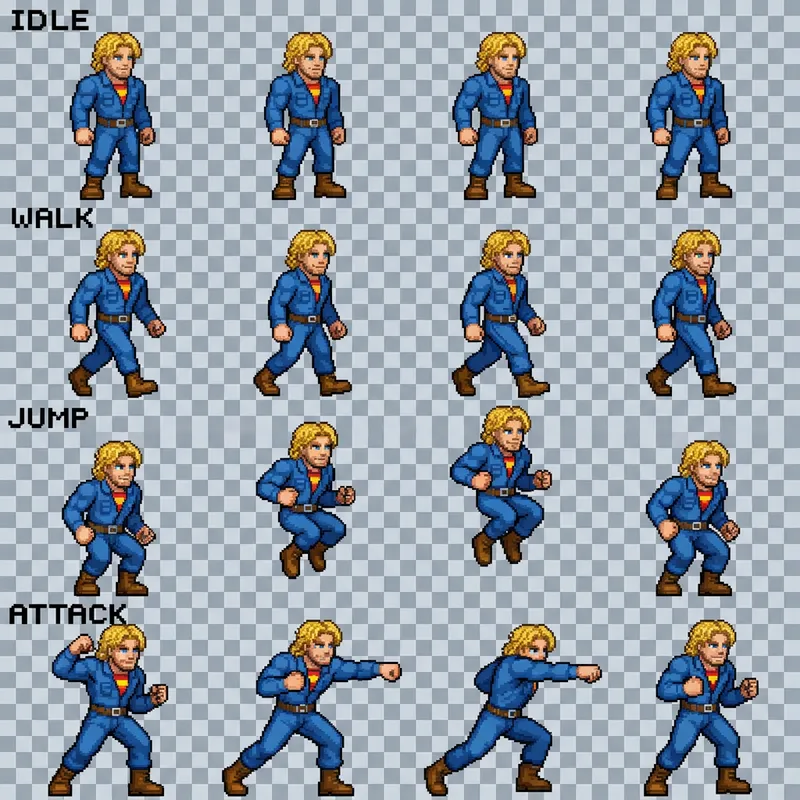
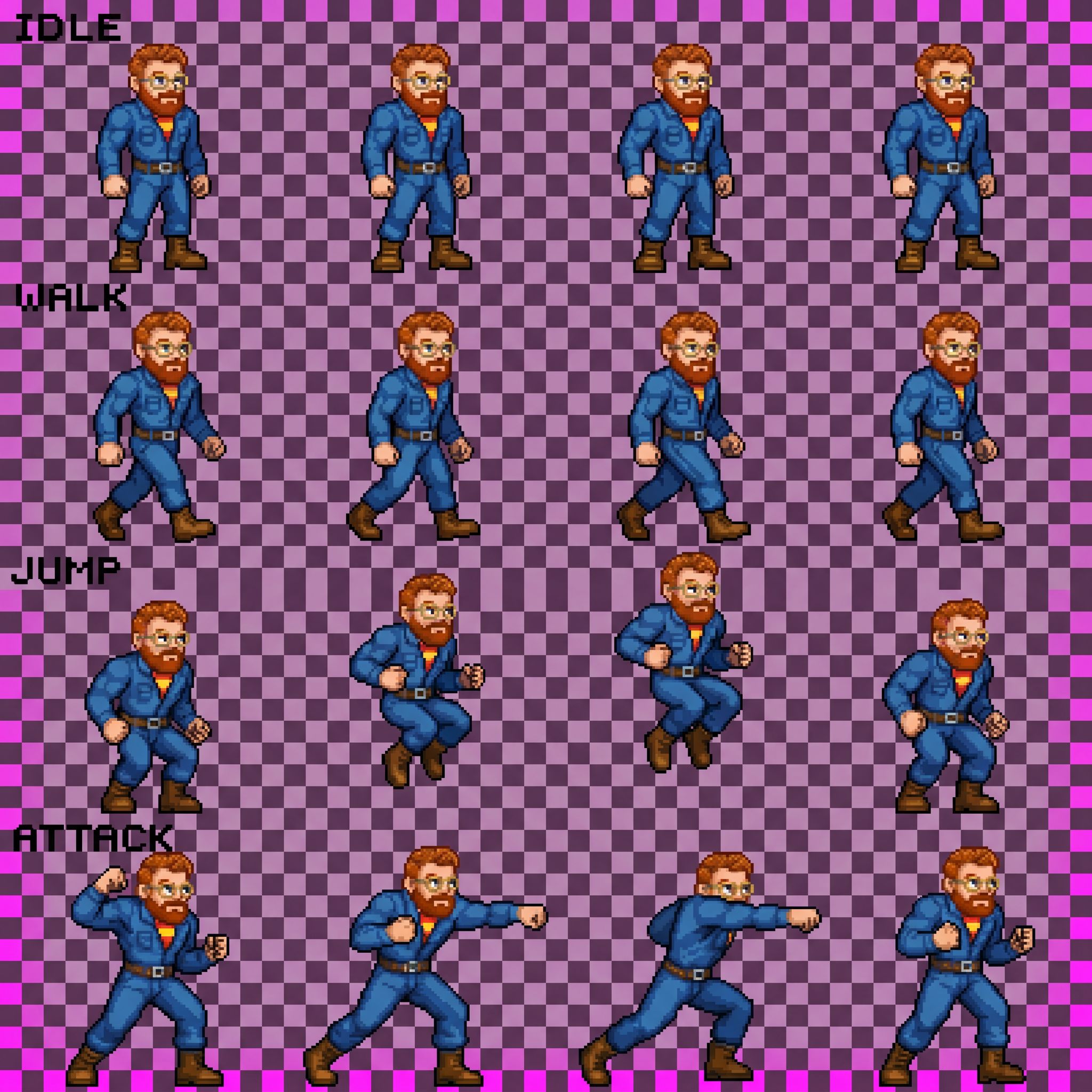
sprite.webp — original (baked checker + labels)
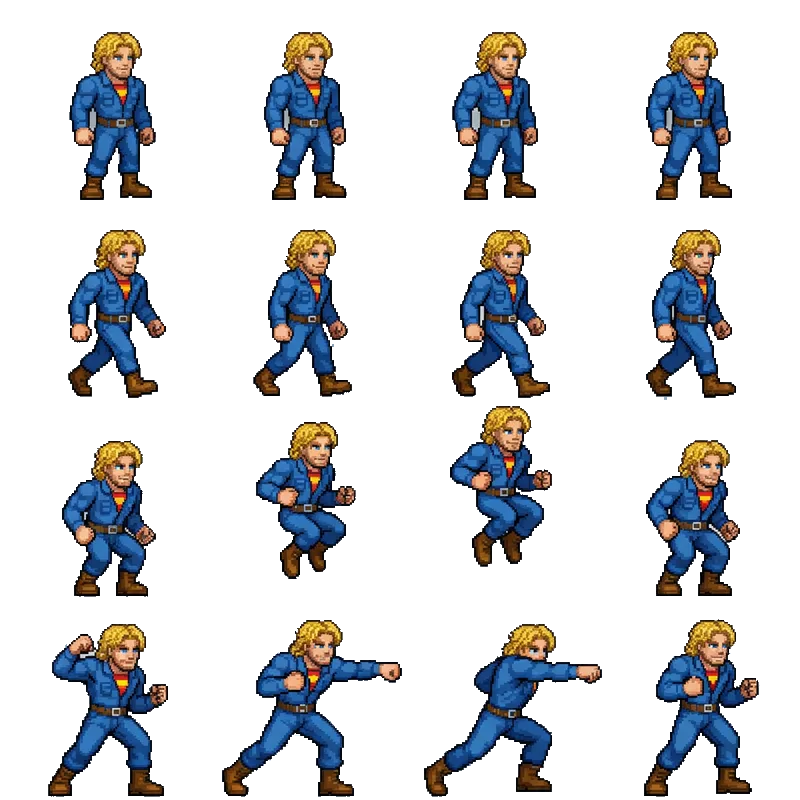
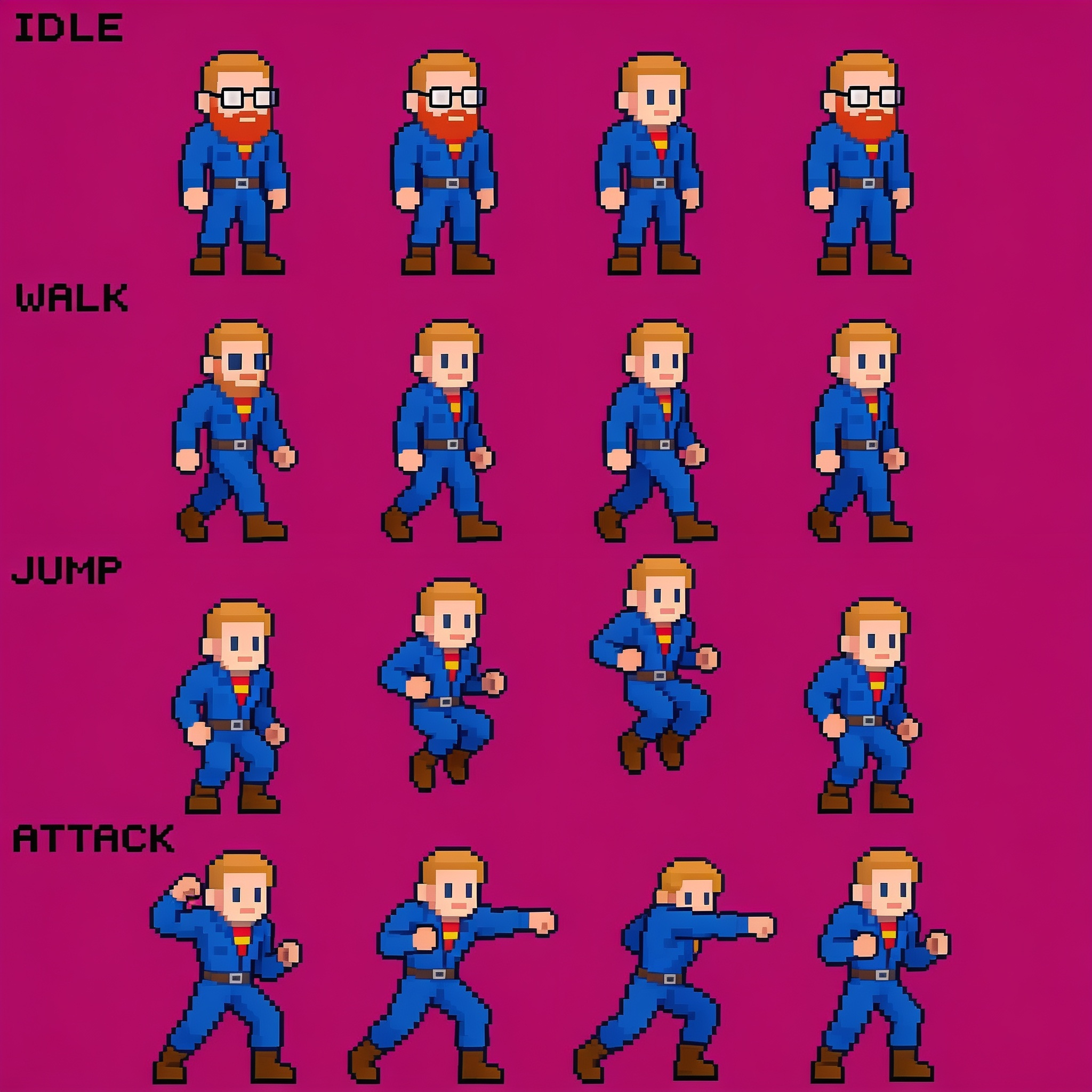
sprite_clean.png — real alpha, labels removed
assets/selfie.png — identity input

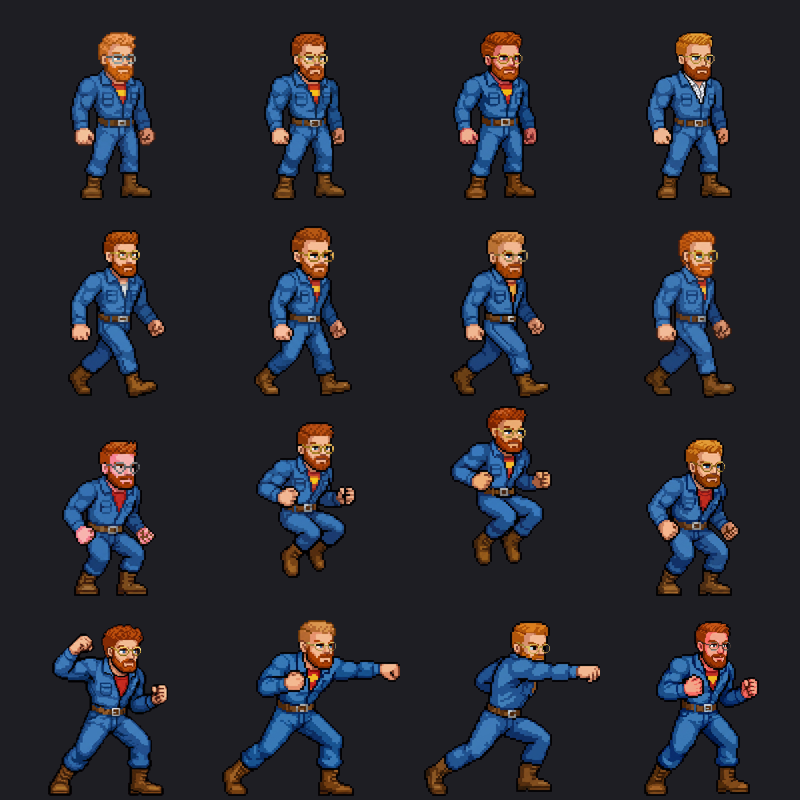
Recomposed nano-banana-pro per-frame output, animated against the original character. Same atlas, same alignment.
Each animation row (idle, walk, jump, attack) is four frames played in a loop. The left panel is the original character; the right is the same poses regenerated with Jilles's likeness. Because every frame is placed back into its original grid cell, the feet stay planted and the custom character animates exactly like the source. Use the slider to change playback speed.
The original art shipped as an 800×800 image with no real transparency: the "checkerboard" was baked-in pixels, and each row had its name (IDLE / WALK / JUMP / ATTACK) painted into the art. We flood-fill the checker tiles to a true alpha channel, drop the baked-in labels and stray speckles, and write an atlas.json describing the 4×4 grid, each frame's trimmed bounds, and the feet baseline. That cleaned sheet plus the selfie are the only inputs the rest of the pipeline needs.
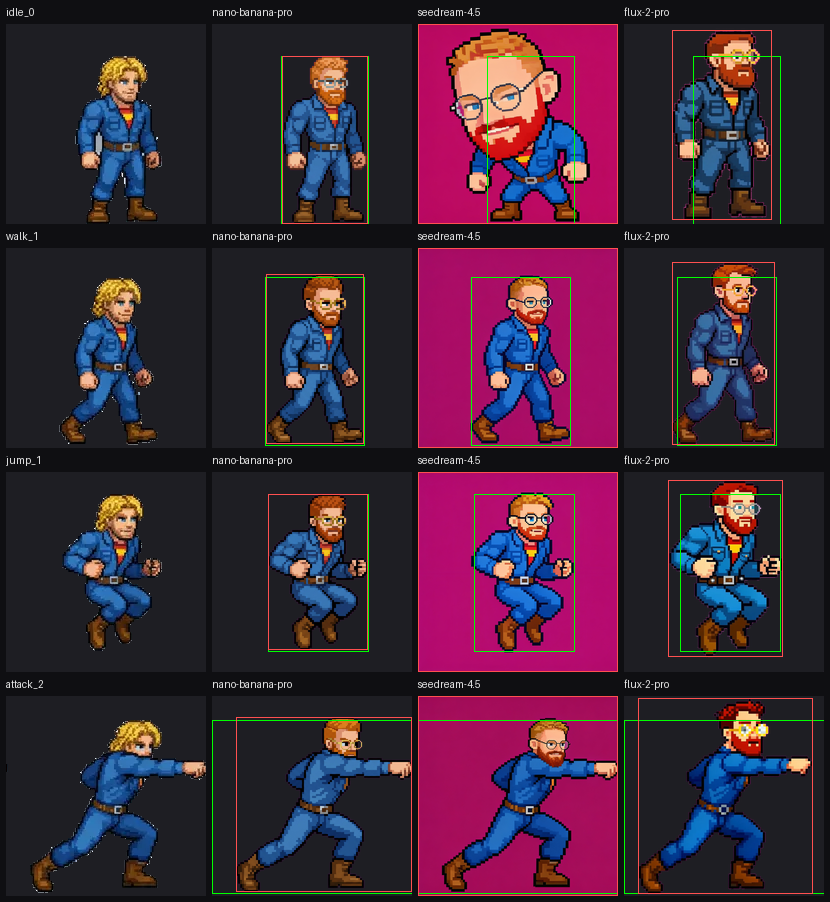
For a sprite to animate correctly, the generated character has to land in the same place and at the same scale as the source. We measure that by comparing the bounding box of each generated frame against the original: how far the feet shifted vertically, how far the center shifted horizontally, and the width/height ratios. Offsets near zero pixels and ratios near 1.00 mean the character drops straight into the grid. nano-banana-pro held within a couple pixels; the others over-scaled or drifted.
Per-frame generated bounds vs source bounds. Lower offsets & ratios near 1.00 are better.
The per-frame strategy edits one frame at a time, feeding the model the source frame (for pose and framing) and the selfie (for identity), then keying out the background and dropping the result back into its grid cell. We ran the same four frames through three image-editing models so they can be compared directly. The overlay boxes make alignment obvious at a glance.
green box = source bounds · red box = generated bounds.
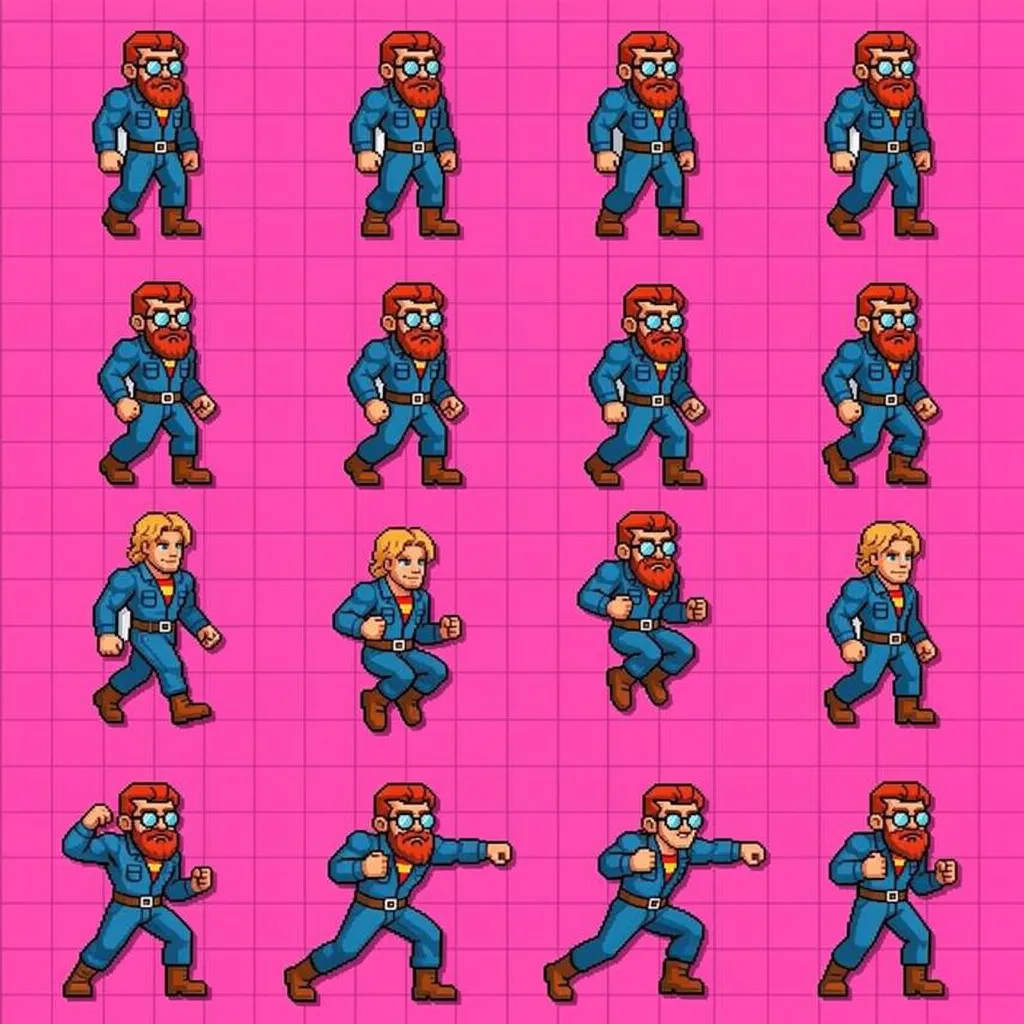
The alternative is to hand the model the whole sheet and ask it to restyle all sixteen frames at once. It's cheaper and faster, but with no per-frame control the character drifts: identity changes between frames (some revert to the original blonde), and the keyed-out background and labels creep back in. Useful as a quick preview, but not reliable enough for gameplay assets.
Cheaper, but identity drifts across frames and backgrounds reappear. Raw model output shown.
All sixteen per-frame results from the winning model, recomposed onto a transparent 800×800 sheet using the same atlas as the source. This is the drop-in, game-ready asset: identical layout to the original, real alpha, and Jilles's likeness in every pose.